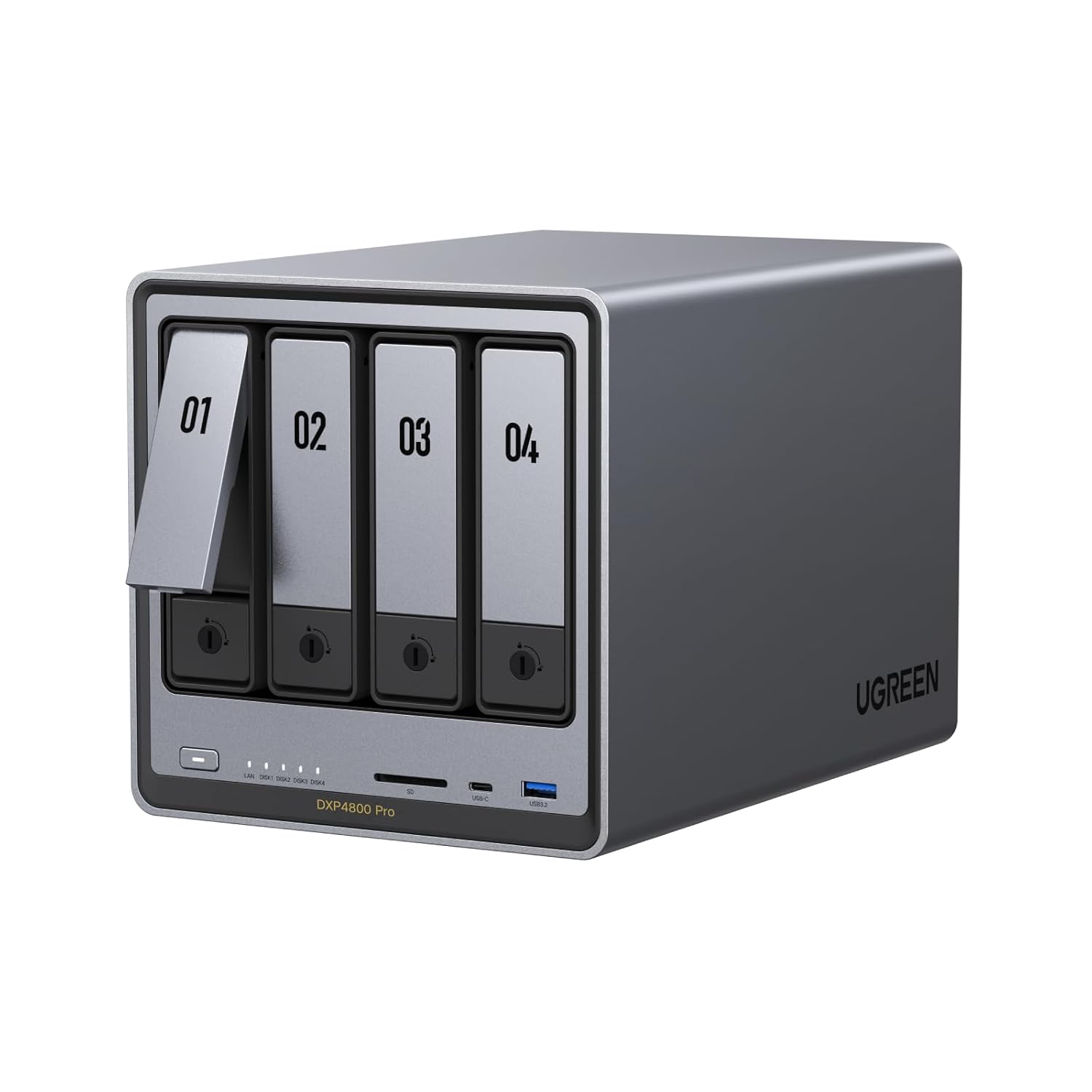
The UGREEN DXP4800 Pro gives you Intel-powered, 10-gigabit storage that sits on your desk — not in someone else's data center.
Check Today's Price on Amazon
It starts innocently. A few bucks a month for Google Drive. Then iCloud because your phone is full. Then Dropbox for work files. Maybe OneDrive because IT said so.
Now you're bleeding $30, $50, $100+ a month across services — and your files are scattered across four different platforms that don't talk to each other.
And the speed? Try editing a 4K video timeline pulling from cloud storage. Try running a VM with cloud-synced files. Try accessing your photo library from three devices without watching a loading spinner.
Your data deserves a permanent address. Not a rental.
Every one of these is a compromise. You shouldn't have to choose between speed, reliability, privacy, and ease of use.
The UGREEN DXP4800 Pro isn't a toy NAS. It's a workstation-grade machine built for people who are serious about their data.
10-gigabit ethernet means moving a 50GB project folder takes under a minute. Not "go make coffee and come back" — actually fast.
TUV SUD certified privacy. Encrypted vaults. Granular permissions for up to 2,048 users. No cloud provider reading your data.
Plex, Jellyfin, Home Assistant, dev environments, VMs — it's a real Intel computer. If it runs in a container, it runs here.
On-device AI recognizes faces, scenes, and objects across your entire library. No cloud uploads. Your photos stay private.
Tool-free, slide-out drive trays. Pop one out, click in your HDD or SSD, slide it back. No screwdrivers, no fumbling with tiny screws. Swap or upgrade drives in under 30 seconds.
Unibody aluminum chassis with a multi-zone cooling system and magnetic dust filters. One reviewer's wife thought it was an "ocean noise machine" at full load. This isn't a jet engine on your desk — it's closer to a white noise generator.
Two M.2 PCIe 4.0 SSD slots for high-speed cache or dedicated storage pools. Use them as read/write cache to make your HDDs feel like SSDs — or as their own blazing-fast storage tier.
We believe in giving you the full picture — including what real buyers flagged as drawbacks.
Multiple reviewers noted this, and they're right. UGOS Pro is newer and still growing. The core functionality — file sharing, RAID, Docker, media serving — works well. But if you rely on Synology's deep app ecosystem (like Synology Photos or Active Backup), UGREEN isn't there yet. The trade-off? You're getting significantly better hardware at this price point. And several buyers recommend running TrueNAS or Unraid instead, which this hardware handles beautifully.
You'll need to buy your own hard drives separately. That's actually a feature — it means you choose the exact drives that fit your needs and budget. But it does mean the total cost is higher than the sticker price. Budget for 2–4 NAS-rated HDDs (like WD Red or Seagate IronWolf) on top of the unit.
One reviewer noticed audible vibration from spinning drives. They fixed it completely with foam stripping on the drive sleds — a $5 solution for a minor annoyance. Most reviewers describe it as impressively quiet for a 4-bay unit.
If you want a completely plug-and-play experience with a battle-tested app store, Synology is still king — just expect weaker hardware for the same money. If you're only storing a few terabytes and don't need Docker or 10GbE, a simpler 2-bay NAS will save you money. This is built for people who want power and are comfortable with a newer ecosystem.
Let's do some math on what you're losing right now:
A NAS pays for itself. The cloud never stops charging.
Prices on Amazon fluctuate frequently. Today's price may not be tomorrow's.
See the current price and full specs on Amazon.
Check Today's Price on Amazon